
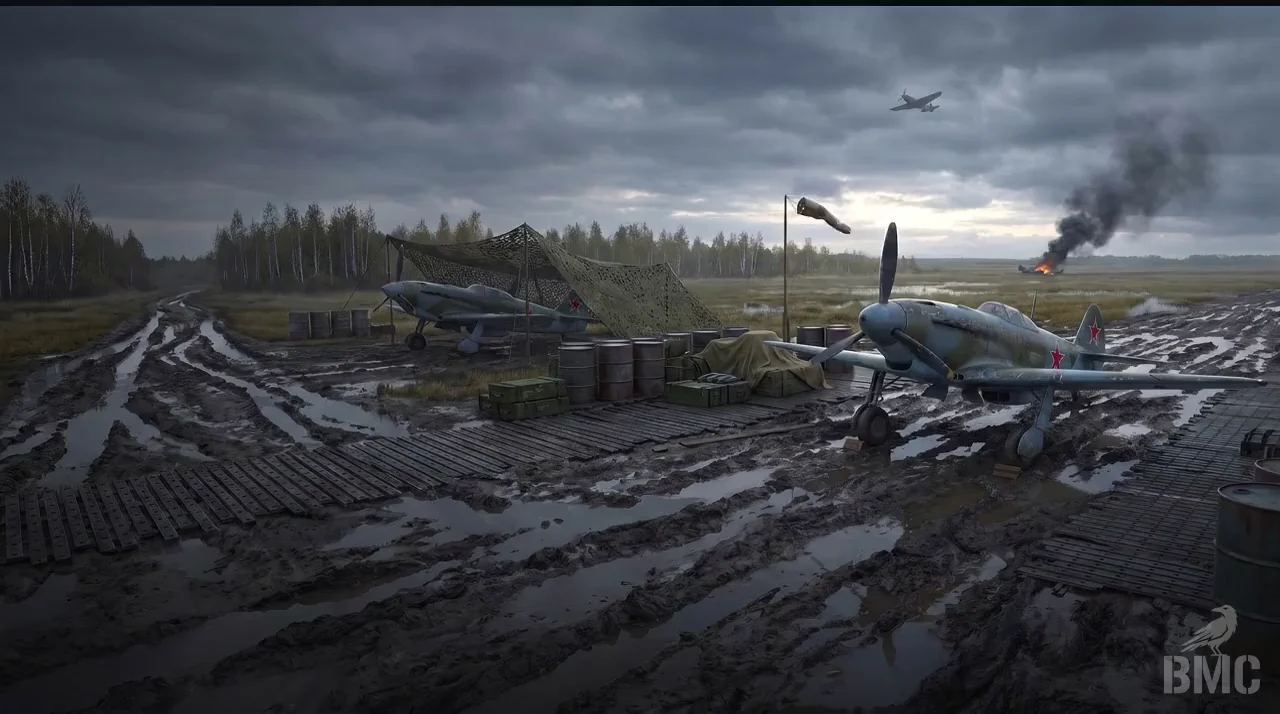
all good on my side

DeveloperFecurity
FECURITY War Thunder Cheat
- Working
- Reliability: good
- 5.0 · 7 reviews
- Checked 17 September
FECURITY gives aim on vehicle modules, boxes and distance ESP. The PC needs preparing before launch: UEFI mode, a GPT disk, and Secure Boot and TPM switched off.
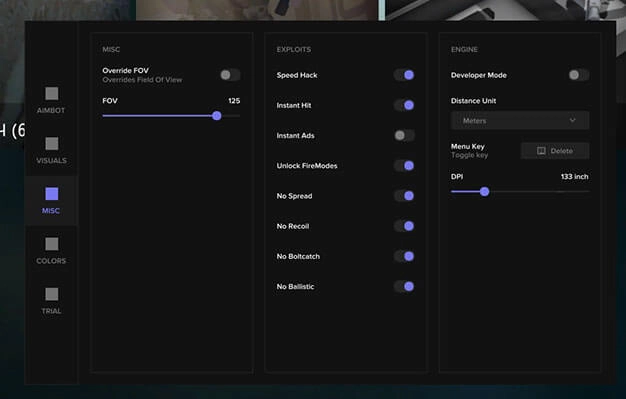 1 / 5
1 / 5
System requirements
- CPU
- Intel/AMD
- Game mode
- Windowed, Fullscreen
- Game client
- Game launcher
- Disk format
- GPT
- Windows
- Windows 10 (2004, 20H2, 21H1, 21H2, 22H2), Windows 11 (all versions)
- BIOS
- Disable Secure Boot and TPM. Your BIOS must be in UEFI mode.
What FECURITY can do
ESP11
- Enabled
- Enemies Only
- Border
- Border Outline
- Distance
- Nickname
- Front Outline
- ESP for Shells
- Penetration Crosshair
- Flat to Flat
- MISCELLANEOUS
Misc1
- Adjustable zoom level (050)
More about FECURITY
How FECURITY differs from other War Thunder builds
The main difference sits outside the game: this build asks for a specific PC setup. The BIOS must run in UEFI mode with Secure Boot and TPM disabled, and the system disk must be GPT. The feature set itself is compact:
- aim on vehicle modules;
- boxes around vehicles;
- distance ESP, with markers readable through smoke and clouds.
It runs windowed and fullscreen from the launcher, on Windows 10 (2004, 20H2, 21H1, 21H2, 22H2) and any Windows 11, with Intel or AMD. No radar, lead or configs in the list.
FECURITY reviews
5.07 reviews
всё работает, спасибо
Годный для легитной игры
alles bestens, danke
работает нормально, вопросов нет
runs fine, no questions
läuft sauber, keine Probleme
Questions about buying
Why does FECURITY need Secure Boot and TPM off?
The build itself asks for it: UEFI mode, a GPT disk, and Secure Boot and TPM disabled. Launching without those settings is not what it is made for.
What does FECURITY include?
Aim on vehicle modules, boxes and distance ESP. There is no lead, radar or configs in the build.
Which Windows versions and window modes work?
Windows 10 (2004-22H2) and any Windows 11, in windowed or fullscreen mode, started from the launcher.